Discover and shop
Explore the neighborhood map, browse posts, stories and reels, compare products, and start a group purchase. Keep offers and QR coupons in your rewards wallet.
 Nook
Nook connects you with local shops and service providers. Browse nearby businesses, find offers, and book with participating shops.
Explore the neighborhood map, browse posts, stories and reels, compare products, and start a group purchase. Keep offers and QR coupons in your rewards wallet.
Use text or voice to ask Nook’s AI agent for help. Ari can request and compare quotes from participating businesses and negotiate with your permission. You approve the offer before booking.
Manage products, orders, appointments, table reservations, and rewards. Where available, connect a Google Business Profile to a Nook shop or import business details to get started.
See how Ari helps you compare local offers. This interactive demo uses sample shops and works without an account or app install.
See sample offers for a Saturday appointment.
On your phone, tap its link below. On a computer, scan the matching QR code with your phone camera.
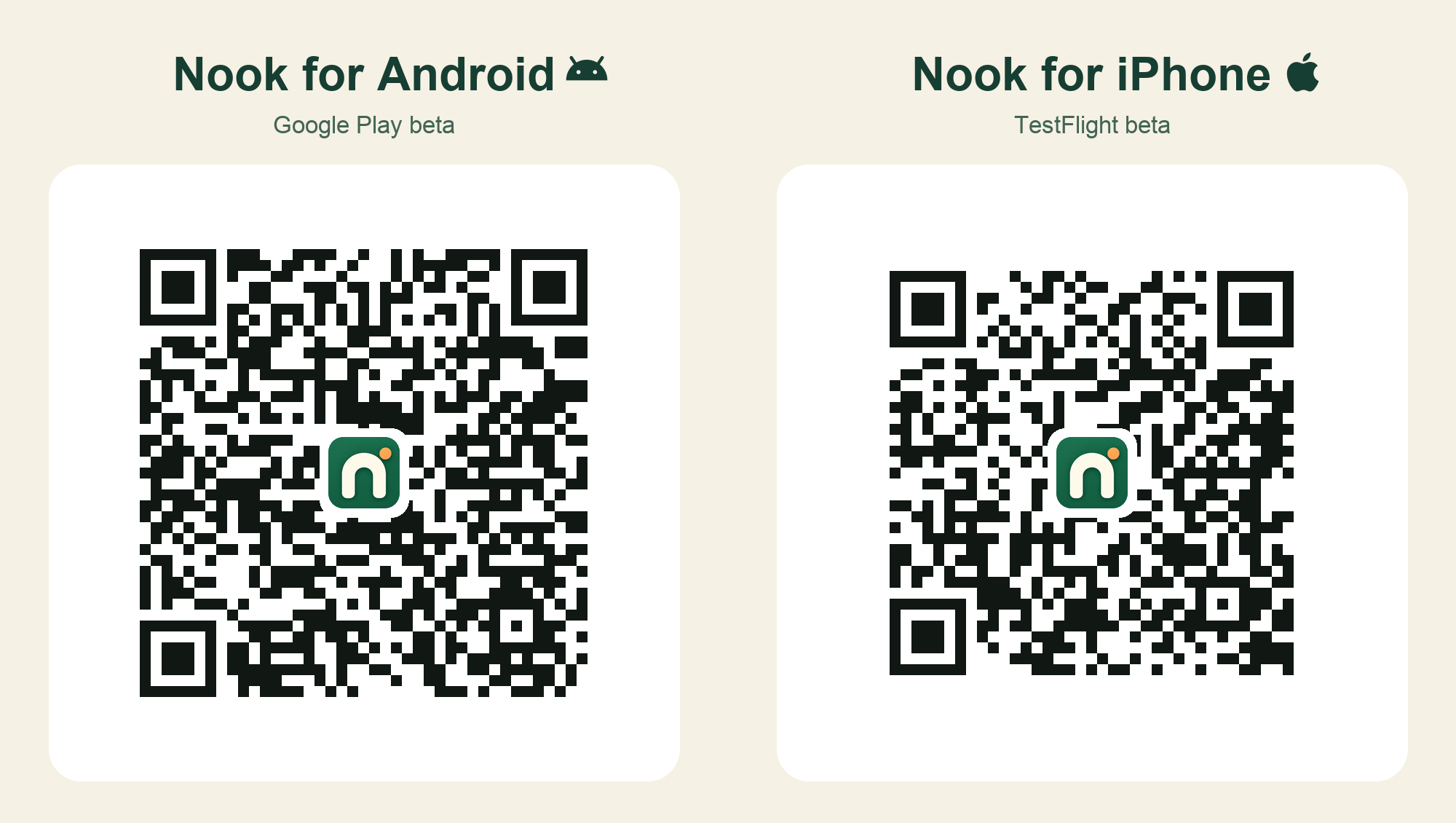
Try the Google account you used to join the test. If the beta asks for approval, request Android beta access and include the email address you use for Google Play.
Check that you’re opening it on your iPhone. If TestFlight says the beta is full or unavailable, request TestFlight help. You can still try the web demo.
Tell us what you tried, what happened, and which phone you used.
Send feedback